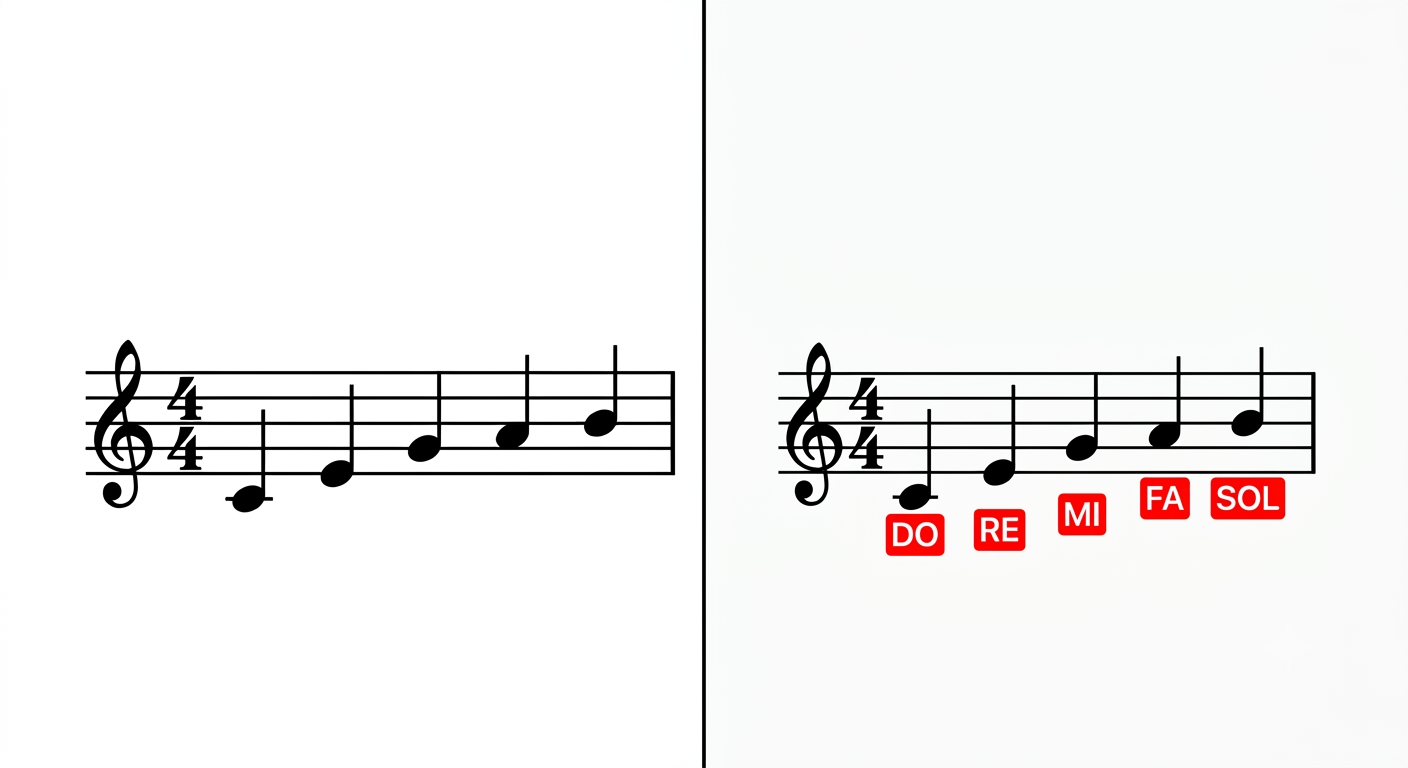
Drop your sheet music here
drag & drop or tap to select
PNG
JPG
PDF
📷 On mobile: tap to use camera or gallery
Uploading
⚠️
Analysis Result
Done
🔍 Pinch to zoom
💡 To save: tap the Save button above, or long-press the image → "Save Image"
These results are generated by artificial intelligence and may contain errors. Accuracy depends on image quality. Always verify with a professional musician for critical use.
For best accuracy: use high-resolution, well-lit, straight sheet music images. Complex harmonies and handwritten scores may not be recognized correctly.
How It Works
1
Upload Image
Select a clear photo or scanned image of your sheet music.
2
AI Recognizes
NotaLens engine automatically detects and classifies all notes.
3
Save Result
Download the labeled image or share directly to your device.
Tips for Quality Results
Good Image
Sharp, flat, well-lit, all lines visible
Avoid
Blurry, skewed, shadowy, cropped or low-res images
Mobile Tip
Hold camera steady, don't zoom, prefer natural light
Best Results
Scanned PDF or high-res image (300 DPI+)